用 Rust 來寫前端 - Yew
2 min read
今天是我們一起學習 Rust 的第 29 天了,前面我們玩了很多後端的東西,今天我們來玩一下前端的東西吧!
WebAssembly
在開始之前,想先介紹一下 WebAssembly,它是一種可以在瀏覽器中執行的程式語言,它可以讓我們在瀏覽器中執行非常複雜的程式,而且它的執行速度也非常快,所以我們可以在瀏覽器中執行一些比較複雜的運算,而不會影響到瀏覽器的體驗。
Yew
Yew 是一個可以讓我們在 Rust 中使用 WebAssembly 的框架,它可以讓我們在 Rust 中撰寫前端的程式,並且可以編譯成 WebAssembly,讓我們在瀏覽器中執行。
安裝 Yew
那麼我們要如何使用 Yew 來開發前端的程式呢?按照官網的指示,我們要先安裝以下的東西:
WebAssembly
$ rustup target add wasm32-unknown-unknown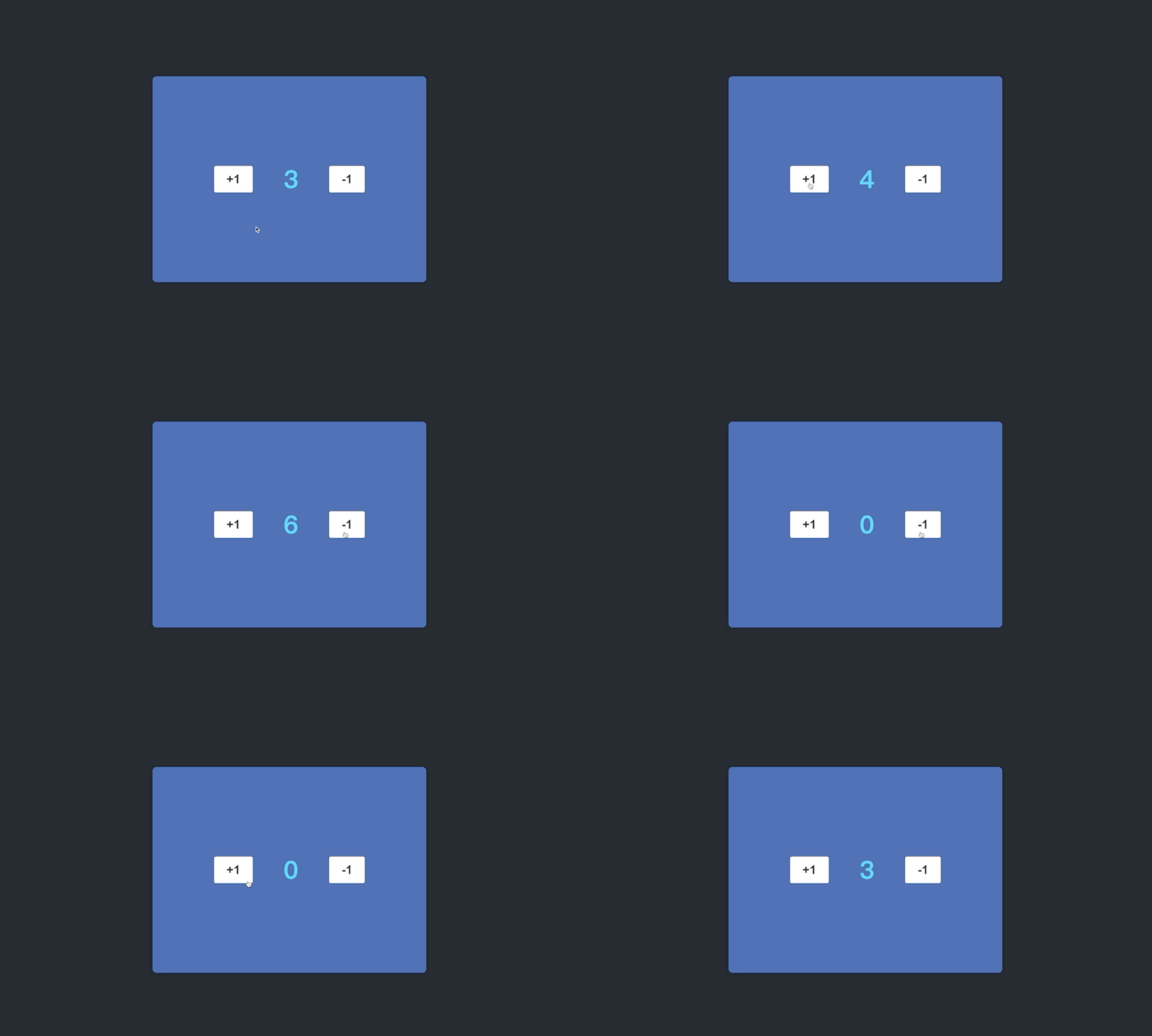 CleanShot 2022-10-14 at 00.21.36
Trunk
$ cargo install trunk開新專案
$ cargo new yew-demo然後在 Cargo.toml 中加入以下的內容:
[dependencies]
yew = "0.19"
到這邊我們就可以開始撰寫程式了!
先在 src/main.rs 中加入以下的內容:
use yew::prelude::*;

```rust
enum Msg {
    AddOne,
}
struct Model {
    value: i64,
}

impl Component for Model {
    type Message = Msg;
    type Properties = ();

    fn create(_ctx: &Context<Self>) -> Self {
        Self {
            value: 0,
        }
    }

    fn update(&mut self, _ctx: &Context<Self>, msg: Self::Message) -> bool {
        match msg {
            Msg::AddOne => {
                self.value += 1;
                // the value has changed so we need to
                // re-render for it to appear on the page
                true
            }
        }
    }

    fn view(&self, ctx: &Context<Self>) -> Html {
        // This gives us a component's "`Scope`" which allows us to send messages, etc to the component.
        let link = ctx.link();
        html! {
            <div>
                <button onclick={link.callback(|_| Msg::AddOne)}>{ "+1" }</button>
                <p>{ self.value }</p>
            </div>
        }
    }
}

fn main() {
    yew::start_app::<Model>();
}

然後在根目錄下新增一個 index.html:

<!DOCTYPE html>
<html>
  <head>
    <meta charset="utf-8" />
    <title>Yew App</title>
  </head>
</html>

然後執行 trunk serve,就可以在瀏覽器中看到我們的網頁了!

不過目前只能讓數字加 1,那我們再加另一個按鈕可以 - 1 看起來比較完整一點:

enum Msg {
    AddOne,
    MinusOne,
}

impl Component for Model {
    // 省略..
        fn update(&mut self, _ctx: &Context<Self>, msg: Self::Message) -> bool {
        match msg {
            Msg::AddOne => {
                self.value += 1;
                true
            }

            Msg::MinusOne => {
                if (self.value > 0) {
                    self.value -= 1;
                }
                true
            }
        }
    }

    fn view(&self, ctx: &Context<Self>) -> Html {
        let link = ctx.link();
        html! {
            <div class="content">
                <button onclick={link.callback(|_| Msg::AddOne)} class="btn">{ "+1" }</button>
                <p class="result">{ self.value }</p>
                <button onclick={link.callback(|_| Msg::MinusOne)} class="btn">{ "-1" }</button>
            </div>
        }
    }
}

如果要順便加上一些 CSS 的話,可以在在根目錄新增一個 style.css,然後在 index.html 中加入:

<link data-trunk href="style.css" rel="css">

這樣就完成一個用 Yew 寫的 App 了!

大家如果有興趣的話,可以參考我的 GitHub repo 來玩玩看。